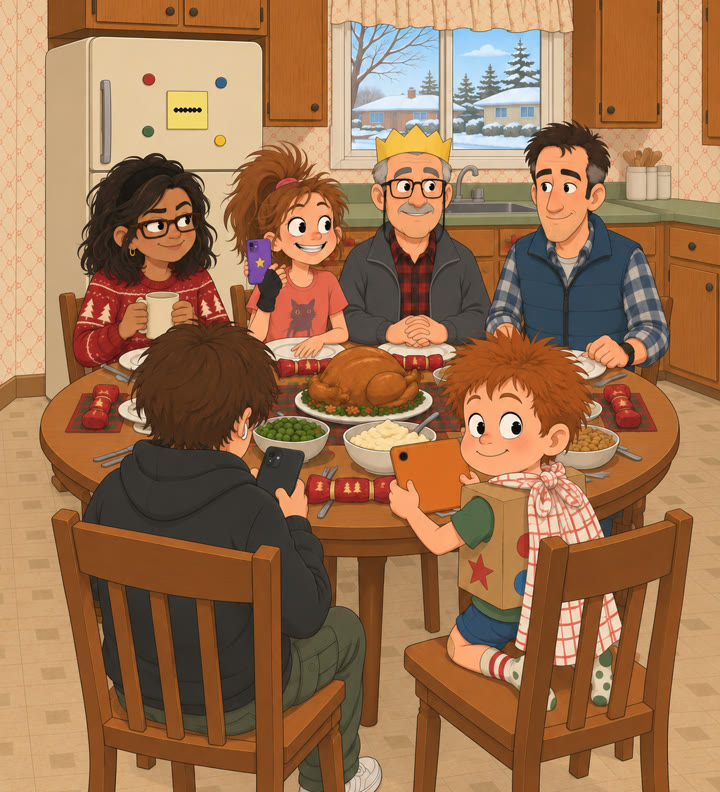
Grandpa's Wifi
Tonight: Visiting someone's house for Christmas? Put CIRA Canadian Shield on their wifi. It's free.
Two numbers in their router settings. Every phone and tablet in the house gets it.
about 10 minutes
Open the Canadian Shield guide →
Page 1, then their router on pages 2 and 3
Honest bit: Some routers won't take it. Then the free Shield app goes on each phone.
dad: 9/10
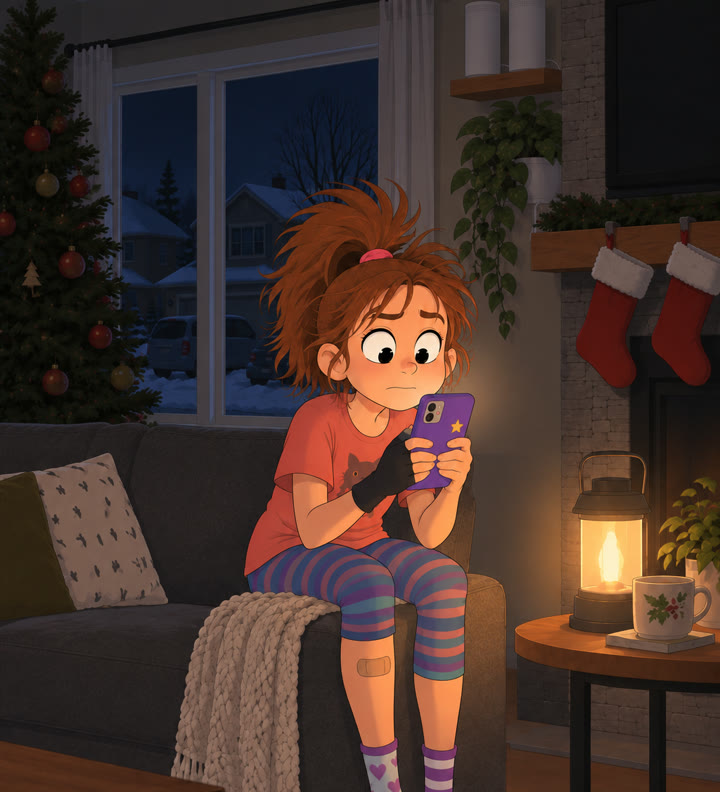
The RV
Tonight: Leaving website filtering to your router? Turn on the website limits in Screen Time too. They work on any wifi.
Your router only covers your own wifi.
about 5 minutes
Open the Screen Time guide →
Steps 19 to 20 and 22 to 24
Honest bit: Your router only covers your wifi. Anywhere else, it's the phone's settings or nothing.
dad's settings: 9/10
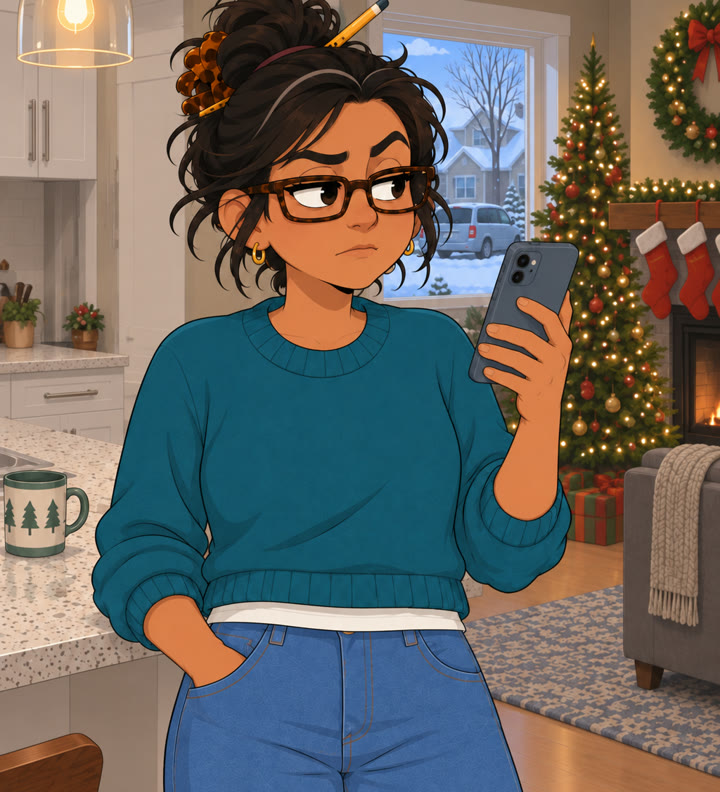
The Gift Card
Tonight: Gift card in the stocking? Turn on purchase approval first. Every buy asks you.
Set it from your own phone. Each buy waits for your yes or no.
about 5 minutes
Open the Screen Time guide →
Steps 29 and 30
Honest bit: It only covers the iPhone. Consoles have their own spending settings.
mom's button: 9/10
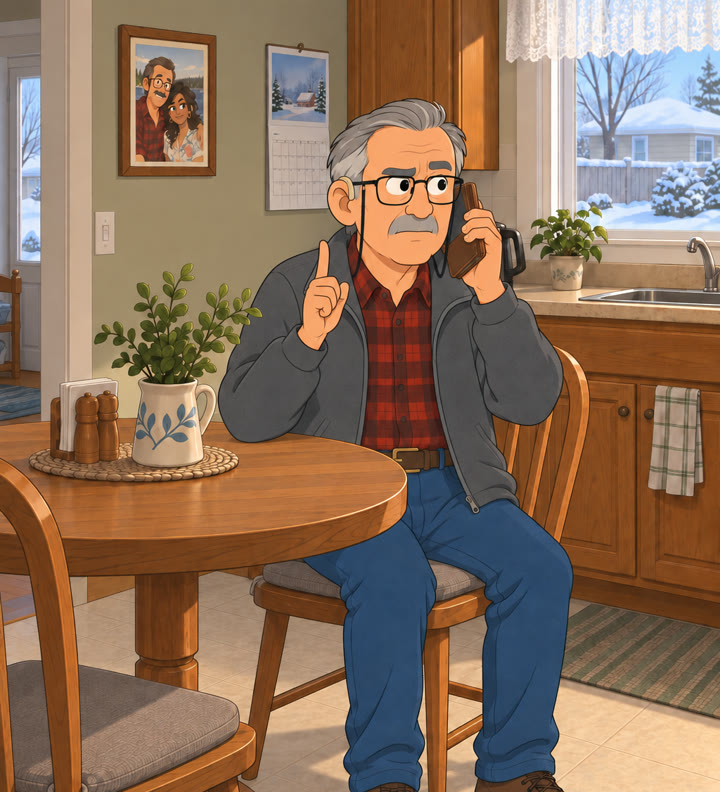
The Code Word
Tonight: Pick a family code word at dinner tonight.
Never post it. Make sure the grandparents know to ask for it.
about 2 minutes
No guide, just dinner
Honest bit: It only works if nobody posts it and Grandpa remembers to ask.
grandpa: 10/10
Blue Light
Tonight: Turn on Downtime in Apple Screen Time from nine o'clock.
Apps lock at bedtime. Your kid can ask for more, and you say yes or no.
about 10 minutes
Open the Screen Time guide →
Steps 3 to 5
Honest bit: It only locks the phone. A laptop in the bedroom isn't covered.
downtime: 8/10
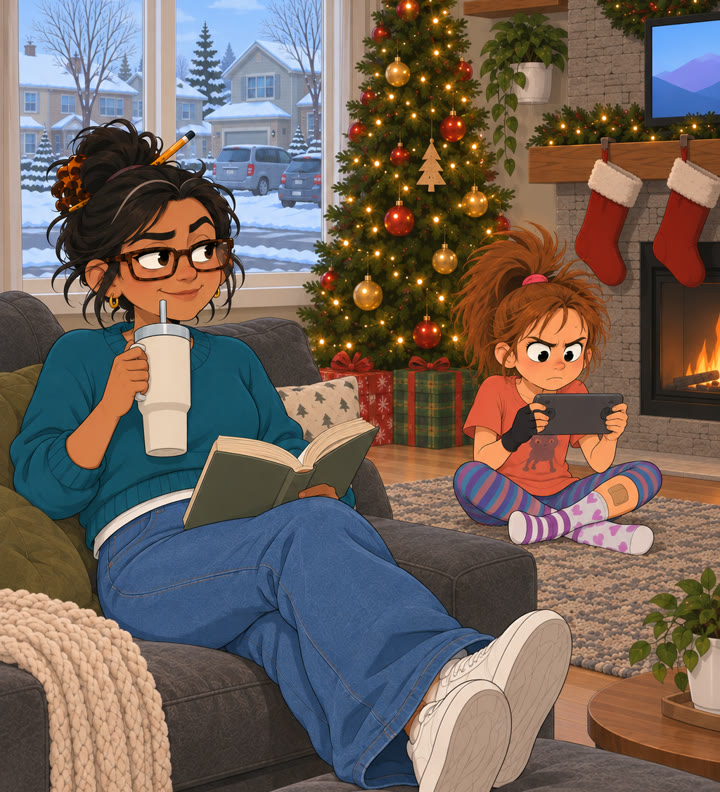
Before the Wrapping Paper
Tonight: Switch under the tree? Pair the free parental app and set a PIN before you wrap it.
Do it with your kid, not behind their back. Only the PIN stays secret.
about 10 minutes
Open the Nintendo Switch guide →
Steps 1 to 19, the PIN last
Honest bit: It only controls the Switch. Phones and tablets need their own settings.
the fix: 9/10
The Phone Book
Tonight: Put CIRA Canadian Shield on your home wifi. It's free.
It works on every device on your wifi, guests too.
about 5 minutes
Open the Canadian Shield guide →
Page 1, then your router on pages 2 and 3
Honest bit: It blocks adult sites and scams, not YouTube or games.
shield: 9/10
The First Phone
Tonight: Phone under the tree? Set it up before you wrap it.
The passcode, the apps, your home wifi, and where it sleeps.
about an hour, once
Open the first phone guide →
Steps 1 to 4, about an hour
Honest bit: None of it sees chats inside games. Ask what's new once a week.
mom's hour: 9/10
The Button
Tonight: Give the TV its own profile on your router.
YouTube off for the TV only. Everyone else's wifi stays the same.
about 10 minutes
Open the Deco HomeShield guide →
Steps 1 to 3, 14 to 16 and 29 to 32
Honest bit: It only changes the TV. Other devices still get YouTube.
router: 10/10
The Deco
Tonight: Already have a Deco? Give each kid a profile and a bedtime.
No Deco yet? It costs money, so read the guide's before-you-buy part first.
about 15 minutes
Open the Deco HomeShield guide →
Steps 1 to 3, 22 to 23 and 29 to 32
Honest bit: It costs money, and it only works on wifi. Phones on data need Screen Time.
the deco: 10/10
Read My Texts?
Tonight: Choose who can message your kid in Apple Screen Time.
Contacts only, and any new contact needs your yes.
about 5 minutes
Open the Screen Time guide →
Steps 13 to 18
Honest bit: It controls who can message them, not what anyone says.
dad's promise: 10/10

The Keystone
Tonight: Change the Screen Time passcode to one your kid has never seen.
Not a birthday, not the alarm code. Keep it to yourself.
about 2 minutes
Open the Screen Time guide →
Steps 27 and 28
Honest bit: The passcode is the whole lock. If they learn it, it's all off.
saying no: 10/10
Too Late?
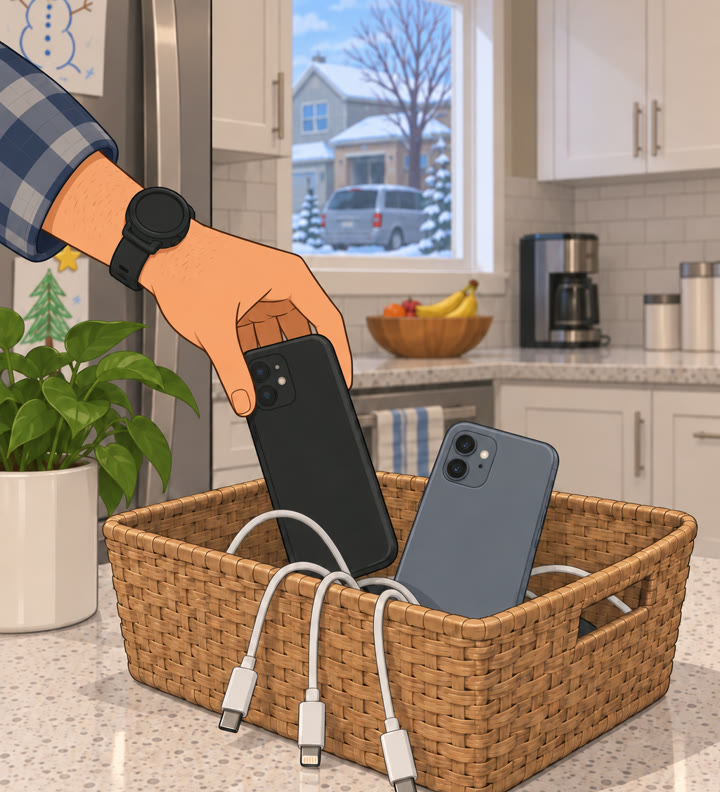
Tonight: The phone charges outside the bedroom. Starting tonight.
Any phone. Pick the spot, write it on the fridge.
about 5 minutes
Open the first phone guide →
Step 4, "Where it sleeps"
Honest bit: No setting does this. It's a rule, and it only works if your phone sleeps there too.
kitchen deal: 10/10
It Keeps Coming Back
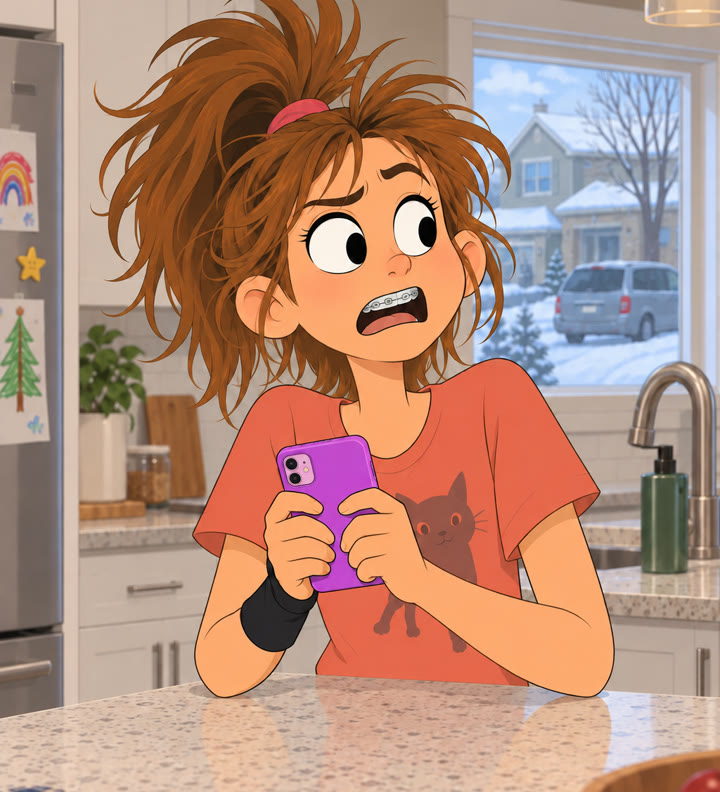
Tonight: Block new apps in Apple Screen Time.
Needs a Screen Time passcode your kid doesn't know.
about 2 minutes
Open the Screen Time guide →
Steps 19 to 21 (and 27 to 28 if you have no Screen Time passcode yet)
Honest bit: It only stops new apps. The ones already there stay.
ask-first deal: 9/10